
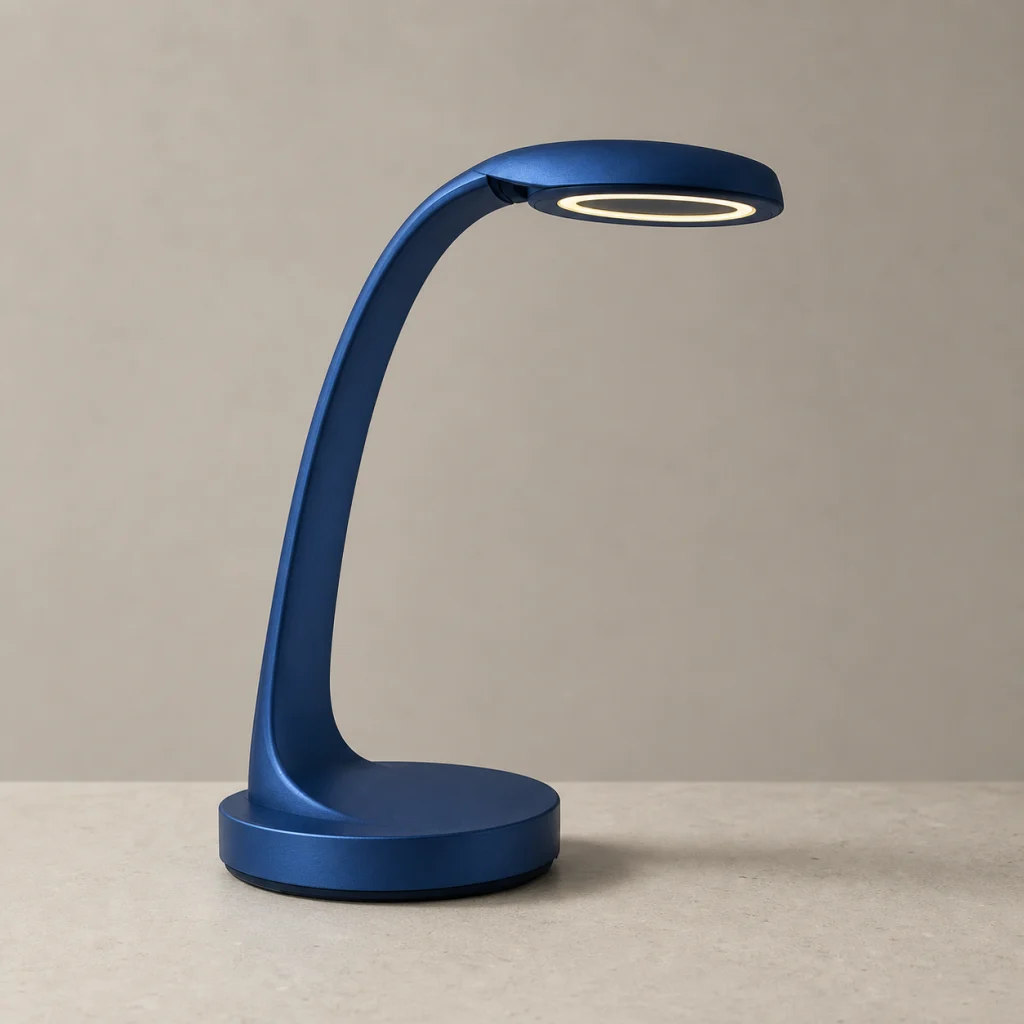
Sketch to product render
ID: sketch-to-product-render
Convert a concept sketch into a polished studio render without losing the original silhouette or design details.
- Category
- Design
- Type
- Image to image
- Model
- Nano Banana Pro
- Suggested format
- 1:1
Template prompt
Turn this concept sketch into a polished photorealistic product render. Preserve the silhouette, proportions and key design details, then add believable materials, studio light and grounded shadows.
How to use this starting point
Prepare your input
Use a clean, high-contrast concept sketch with a clear silhouette and one consistent view. Remove unrelated notes from the image.
What you can change
Change material, colour, roughness and lighting. Keep the same camera description when comparing design alternatives.
Create and review
- Load the template and replace its example with your sketch.
- Name each main material and finish, the studio background and light direction, while preserving the sketch proportions.
- Compare the silhouette, joints and functional details with the sketch. Mark any invented features before further refinement.
Limits and troubleshooting
A render cannot confirm engineering feasibility or dimensions. If the shape drifts, simplify the sketch and restate the critical proportions; use CAD for measured design.
Example source and result
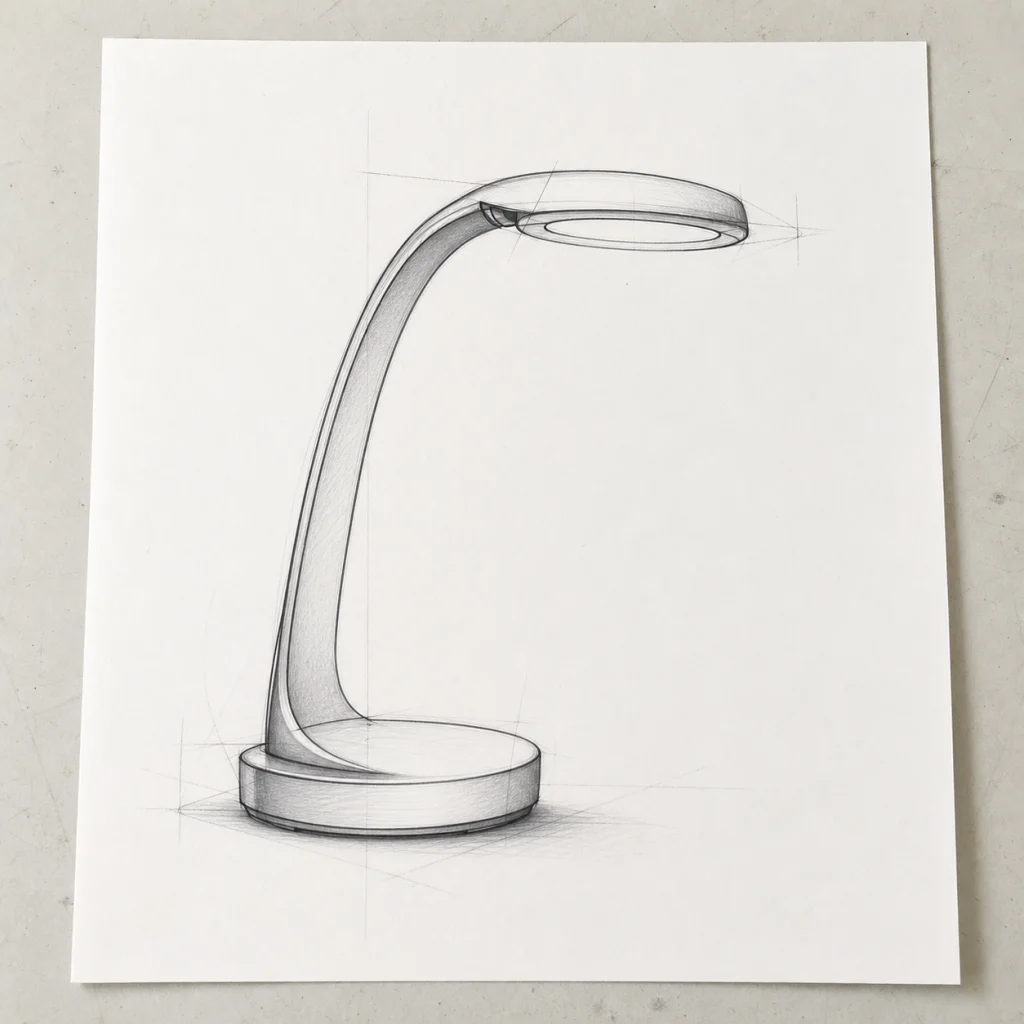
These catalog examples illustrate the intended change. New runs can vary; compare the output with your own source before using it.
Related templates
More ready-made workflows to start from.