Product colour variant
ID: product-color-variant
Create a new product colourway while preserving material response, highlights, shadows, and studio setup.
- Category
- Product
- Type
- Image to image
- Model
- Nano Banana Pro
- Suggested format
- 1:1
Template prompt
Recolour the product to a deep cobalt blue while preserving its material, highlights, shadows, shape, camera angle, background and realistic studio finish.
How to use this starting point
Prepare your input
Use a sharp product photograph showing the whole object against a simple background. Decide which surface changes colour and which parts must stay unchanged.
What you can change
Change the colour family, finish and affected surface. Specify the target in words; a colour code may help describe intent but is not an exact colour guarantee.
Create and review
- Load the template and replace the sample reference with your own product photo before submitting a generation.
- Replace deep cobalt blue with the target colour and name the parts to recolour. Explicitly preserve logos, material and camera angle.
- Compare the silhouette, label text, texture, shadows and unchanged parts against the original at full size.
Limits and troubleshooting
The edit may alter small logos or spread onto nearby surfaces. Isolate the product, simplify the request and retry. Validate real product colour separately before publishing sales imagery.
Example source and result
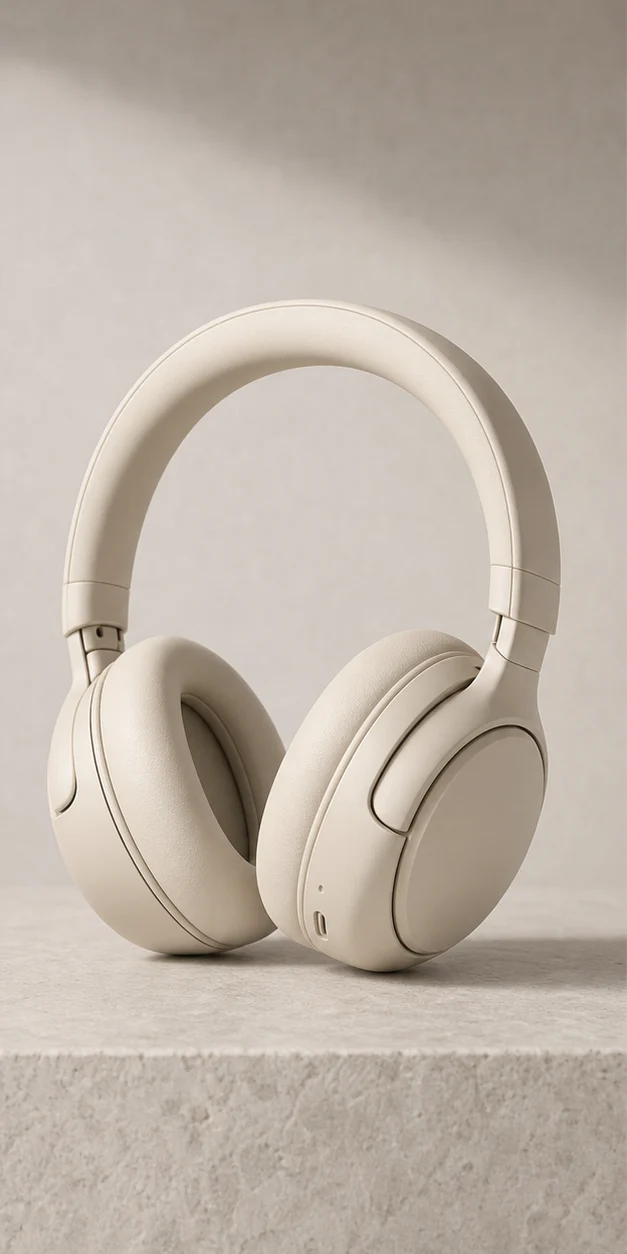
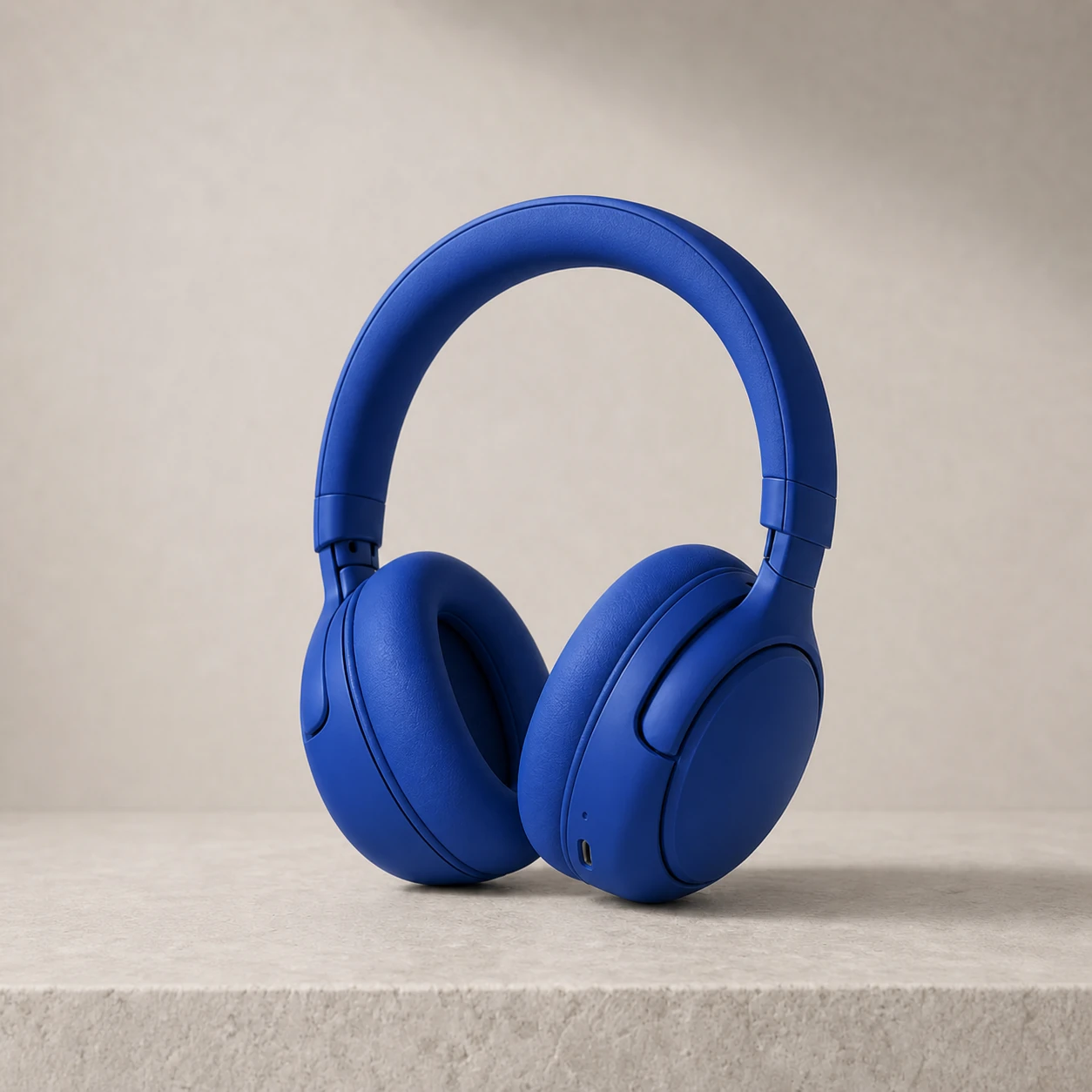
These catalog examples illustrate the intended change. New runs can vary; compare the output with your own source before using it.
Related templates
More ready-made workflows to start from.