 New
NewPortrait to editorial illustration
ID: portrait-to-editorial-illustration
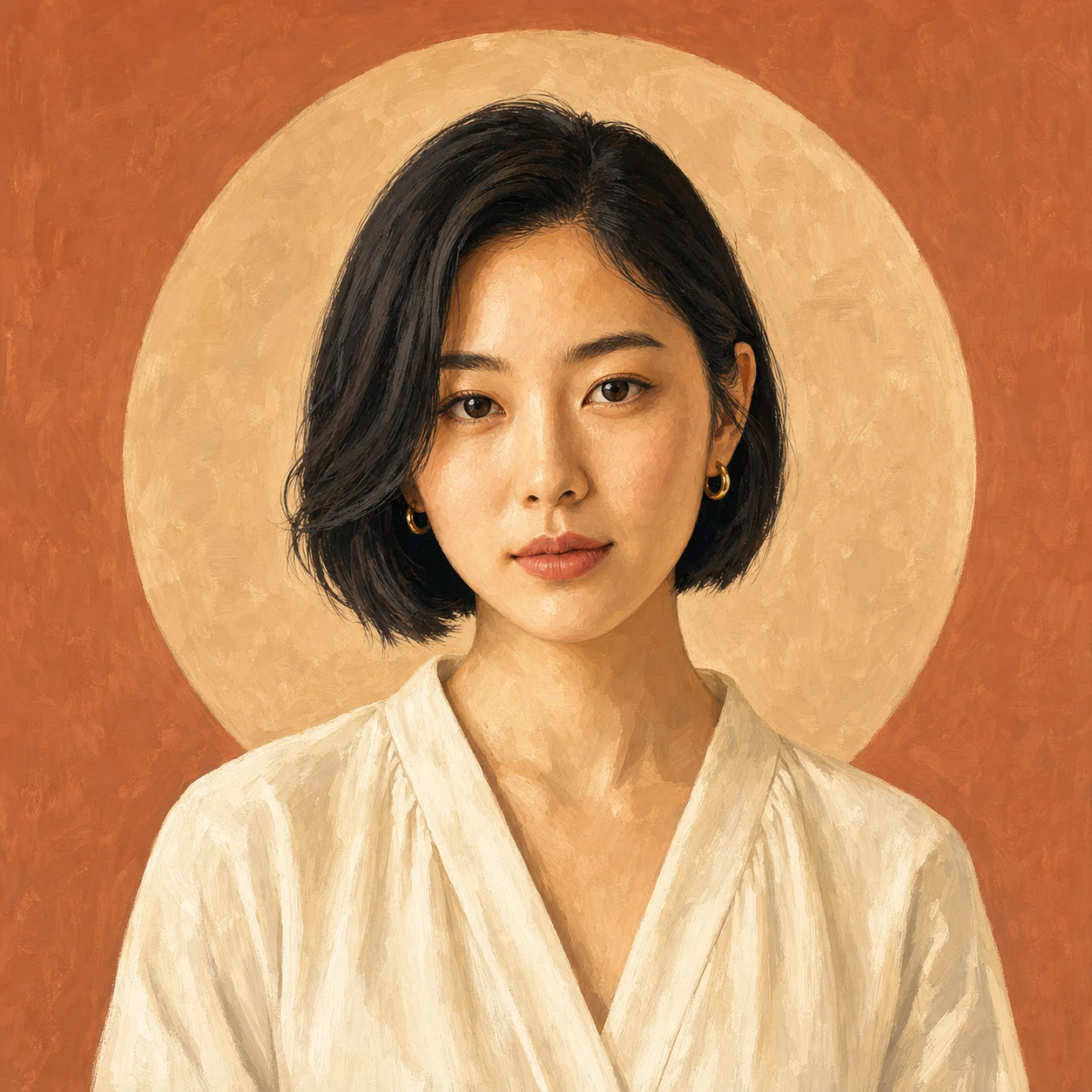
Turn a clear portrait into a composed gouache illustration while retaining the person's identity and expression.
- Category
- Portrait
- Type
- Image to image
- Model
- Nano Banana Pro
- Suggested format
- 1:1
Template prompt
Transform this portrait into a sophisticated hand-painted gouache editorial illustration. Preserve the subject's identity, expression, pose, hairstyle, clothing and composition.
How to use this starting point
Prepare your input
Use a clear portrait you have permission to edit, with visible facial features and no important parts cropped out. Keep the original for comparison.
What you can change
Change pigment texture, background colour and shape simplification. Change one stylistic cue at a time if resemblance is important.
Create and review
- Choose Create similar, then replace the loaded catalog example with your own portrait in the image-to-image generator.
- Describe the gouache texture and palette while listing identity, expression, pose and clothing as details to preserve.
- Compare the face, hands, hairline and accessories with the source before saving the illustration.
Limits and troubleshooting
Identity preservation is approximate. If the face changes, use a sharper source, reduce abstraction and remove competing style instructions; do not present an inaccurate portrait as an exact likeness.
Example source and result
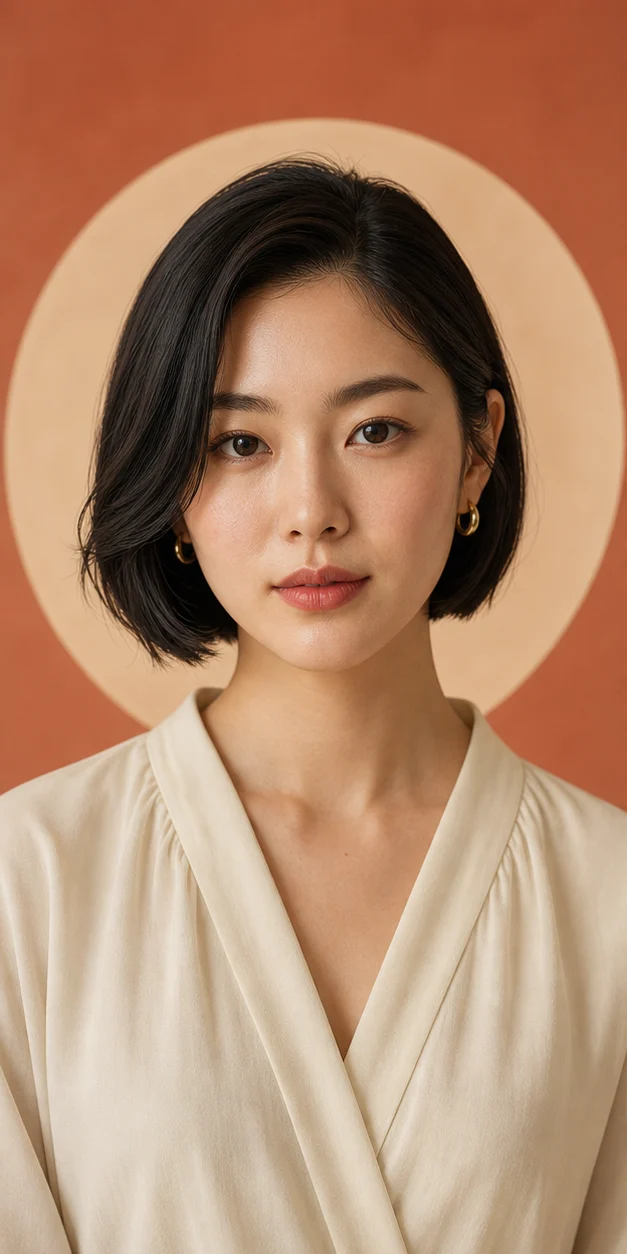
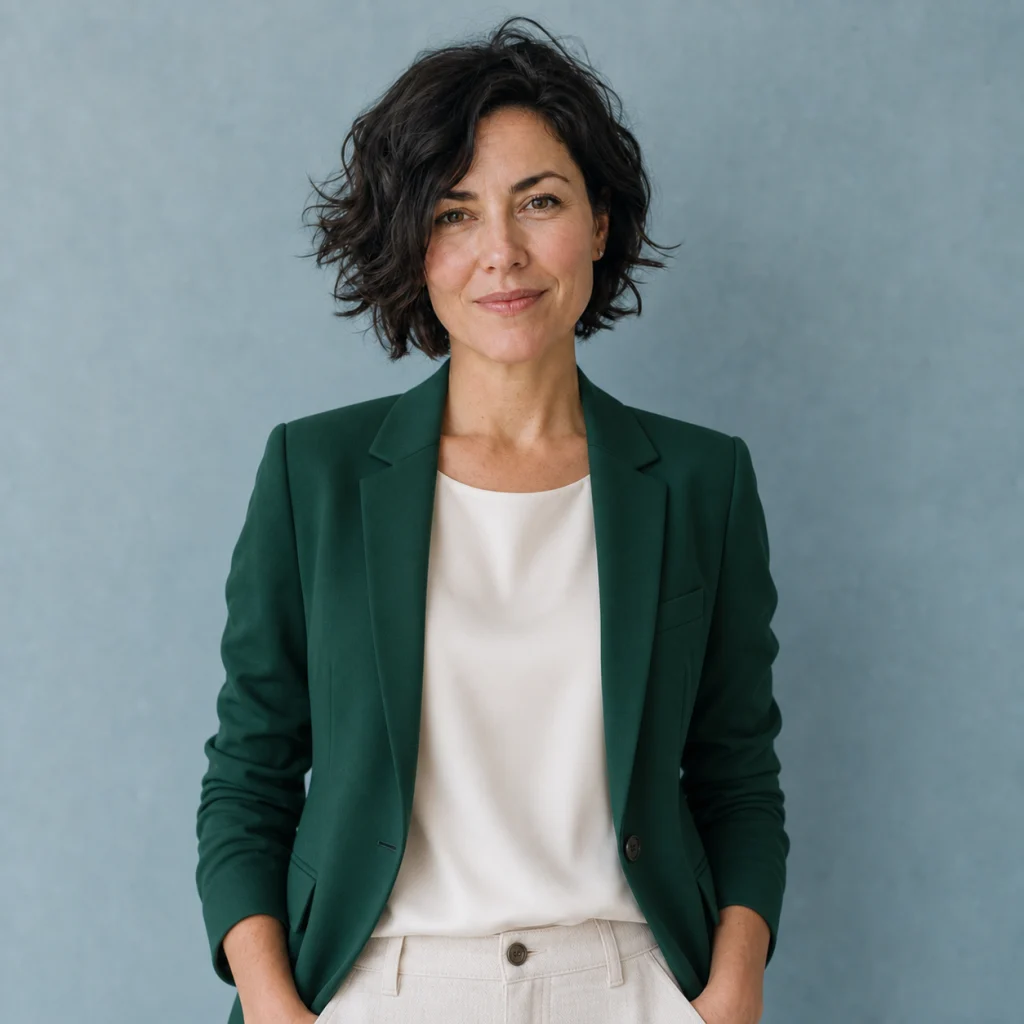
These catalog examples illustrate the intended change. New runs can vary; compare the output with your own source before using it.
Related templates
More ready-made workflows to start from.