Editorial outfit change
ID: editorial-outfit-change
Replace clothing with a refined editorial look while preserving the subject, pose, lighting, and setting.
- Category
- Portrait
- Type
- Image to image
- Model
- Nano Banana Pro
- Suggested format
- 1:1
Template prompt
Replace the subject's outfit with a refined contemporary editorial look in neutral tones. Preserve identity, face, hair, body proportions, pose, lighting and background.
How to use this starting point
Prepare your input
Use a person photo with the intended clothing area visible and limited occlusion. Use an image you are entitled to edit.
What you can change
Change one garment or accessory at a time. Give the fabric weight and silhouette instead of a long list of contradictory fashion styles.
Create and review
- Load the template and replace the sample portrait with your own reference image.
- Describe the new garment, cut, fabric and colour. State that identity, pose, body proportions and background should remain unchanged.
- Review face resemblance, hands, garment edges, folds and contact with the body before using the result.
Limits and troubleshooting
This does not establish sizing or real garment fit. If anatomy or fabric becomes distorted, use a clearer pose and ask for a simpler outfit.
Example source and result
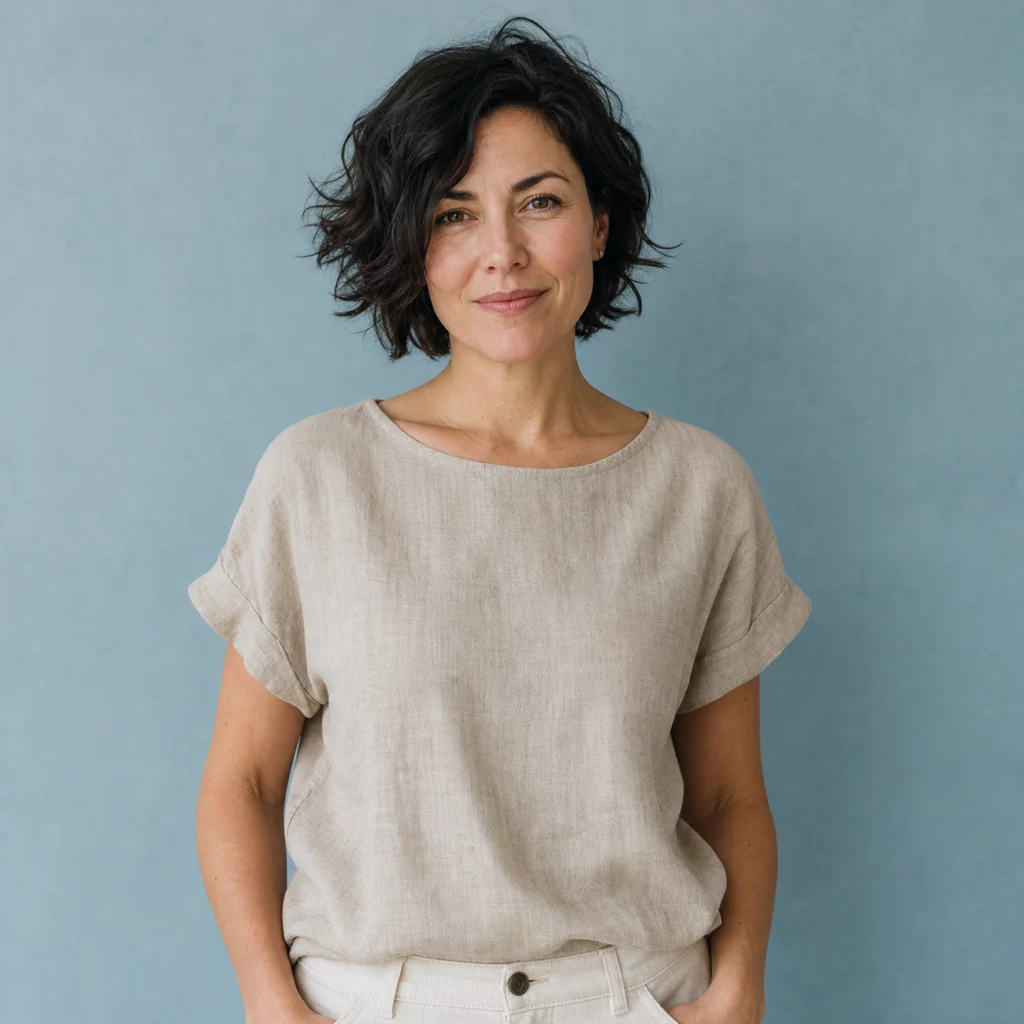
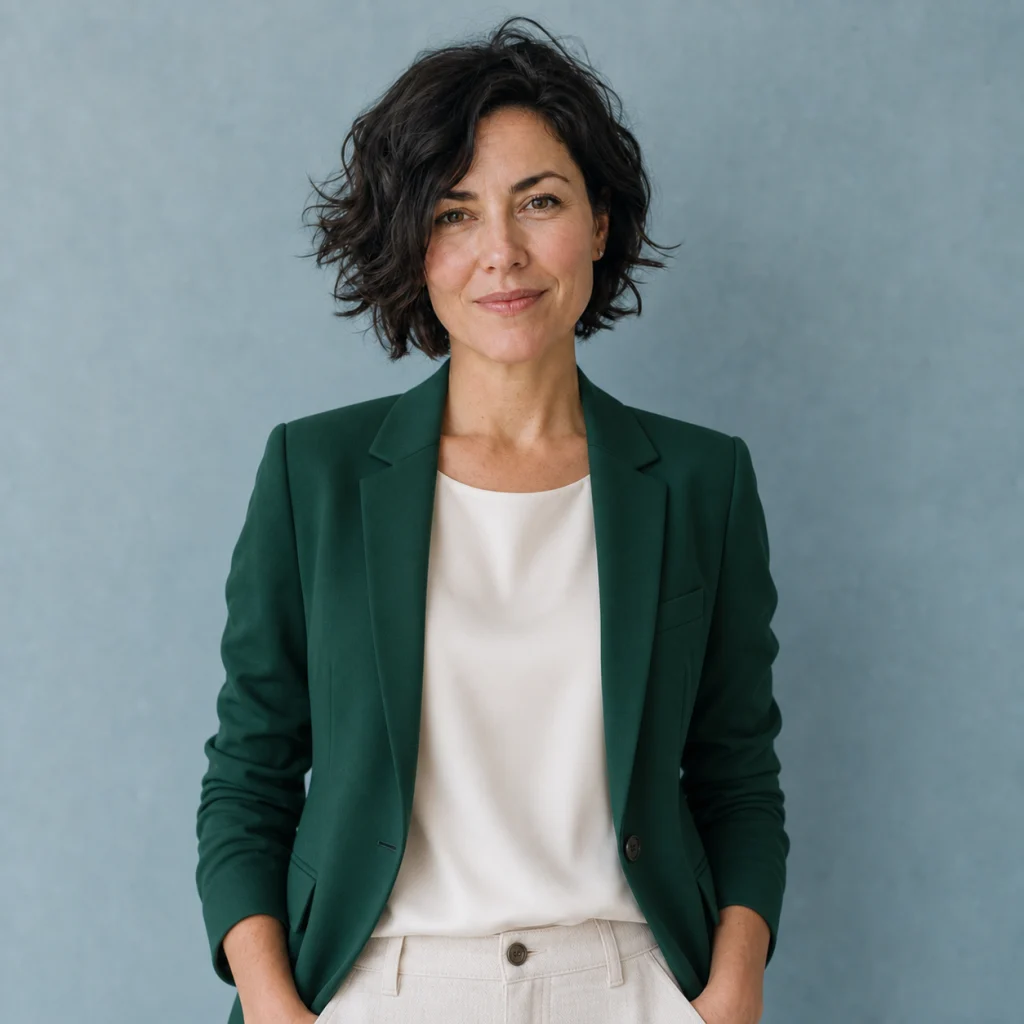
These catalog examples illustrate the intended change. New runs can vary; compare the output with your own source before using it.
Related templates
More ready-made workflows to start from.