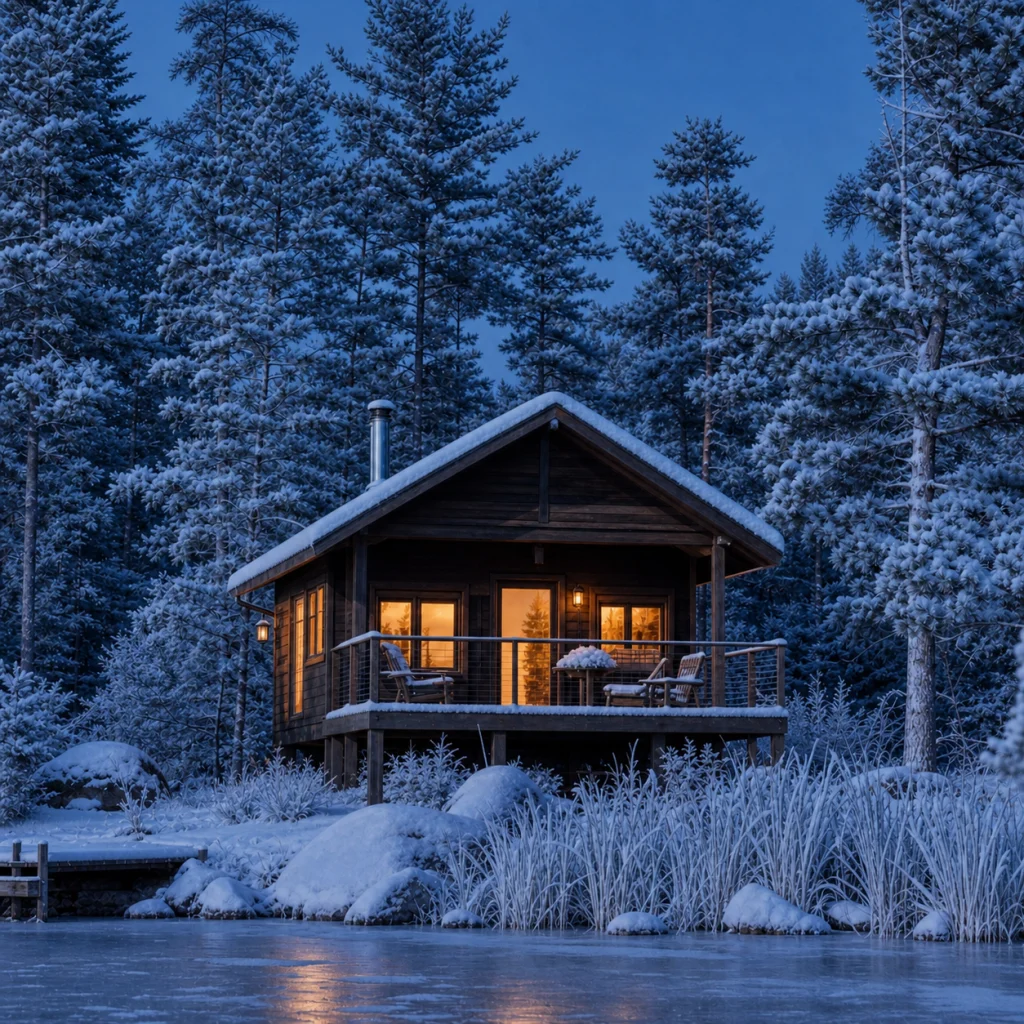
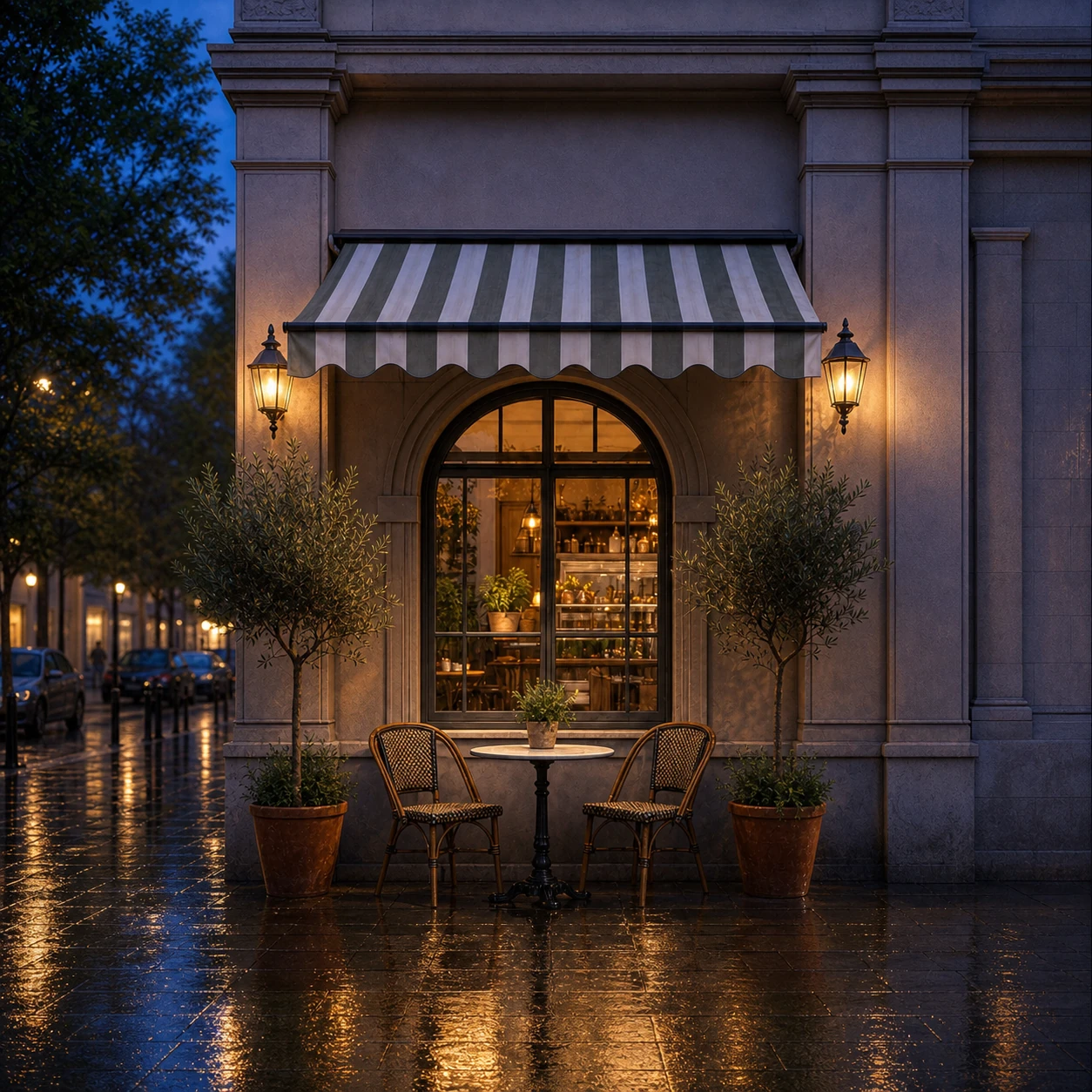
Cafe day to night
ID: cafe-day-to-night
Shift an exterior from daylight to rainy blue hour without rebuilding the architecture or camera composition.
- Category
- Scenery & spaces
- Type
- Image to image
- Model
- Nano Banana Pro
- Suggested format
- 1:1
Template prompt
Change this cafe scene from sunny late afternoon to blue hour after light rain. Add warm interior glow and subtle pavement reflections while preserving the architecture and composition.
How to use this starting point
Prepare your input
Use a well-exposed cafe or storefront photograph with clear building edges and a visible ground plane. Avoid severely blown-out windows.
What you can change
Adjust sky brightness, interior warmth, rain intensity and reflection strength. Keep the existing geometry explicit in the prompt.
Create and review
- Load the template, then replace its example with your own scene in the image-to-image generator.
- Request blue-hour lighting, warm indoor lights and subtle wet-ground reflections while preserving the building and viewpoint.
- Compare windows, signs, doorways and the direction of reflections with the original scene.
Limits and troubleshooting
Lighting edits can redraw signs or add inconsistent reflections. Remove rain from the request if it distorts the ground, and add the mood change in smaller steps.
Example source and result
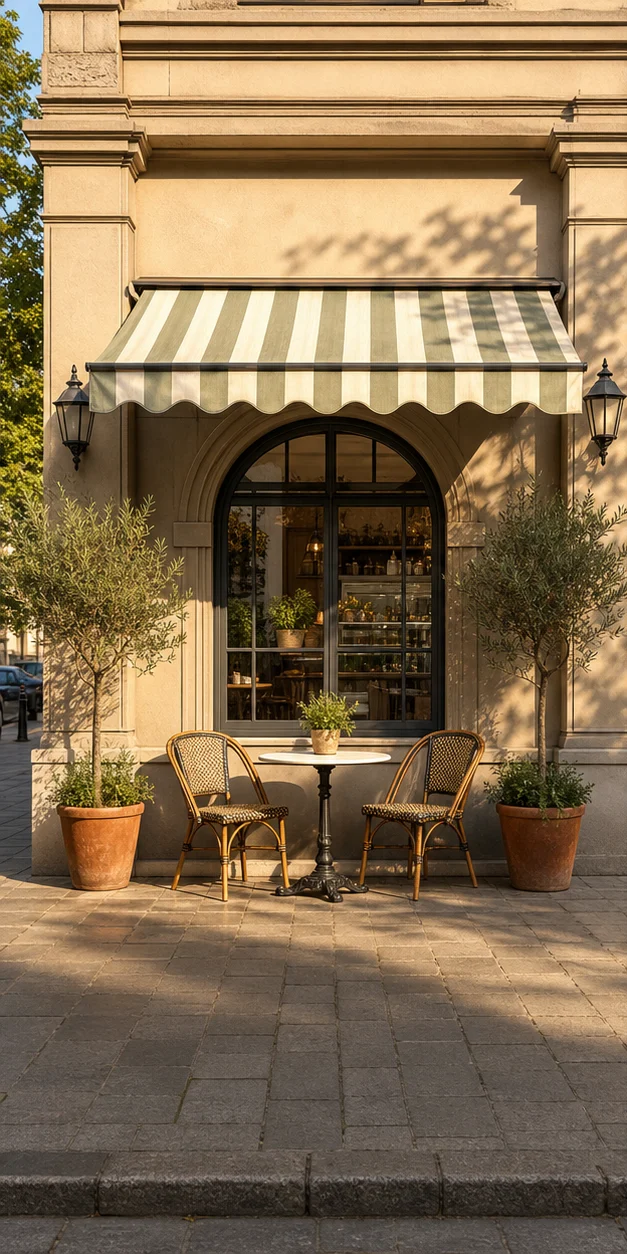
These catalog examples illustrate the intended change. New runs can vary; compare the output with your own source before using it.
Related templates
More ready-made workflows to start from.